
Server Playmate or Real Friend
Gaming Safety
Online Gaming Friends: Boundaries for Kids
Help children enjoy online games while keeping private information private and checking new friend requests with a trusted grown-up.

Multiplayer games are social. A child may work with another player to win a round, trade game tips, build something together, or laugh at a silly moment. That can be a positive part of play. The safety skill is knowing that enjoyable play does not automatically make someone a trusted friend outside the game.
A boundary children can remember
Try using two simple words. A playmate is someone a child plays alongside in a game, server, or match. A real-life friend is someone the child knows offline and whose friendship a trusted grown-up understands. This is not about calling online players bad or scary. It is about giving children a clear boundary between game conversation and personal life.
A child can be polite, cooperative, and kind to a playmate while still keeping their real name, school, address, age, phone number, photos, and passwords private. They do not need to prove friendship by sharing information or moving a chat somewhere else.
Why this distinction matters
Children often learn friendship through shared interests. A player who helps them through a difficult level can feel familiar very quickly. That feeling is normal. Online games can create quick teamwork, fast rewards, and repeated contact, which may make a player seem more trusted than they really are.
The useful message is: “You can enjoy playing with people online. You still keep real-life details and friendship decisions with your grown-up.” This avoids shaming a child for playing socially. It also makes it easier for them to speak up if a conversation becomes uncomfortable.
The pause signals
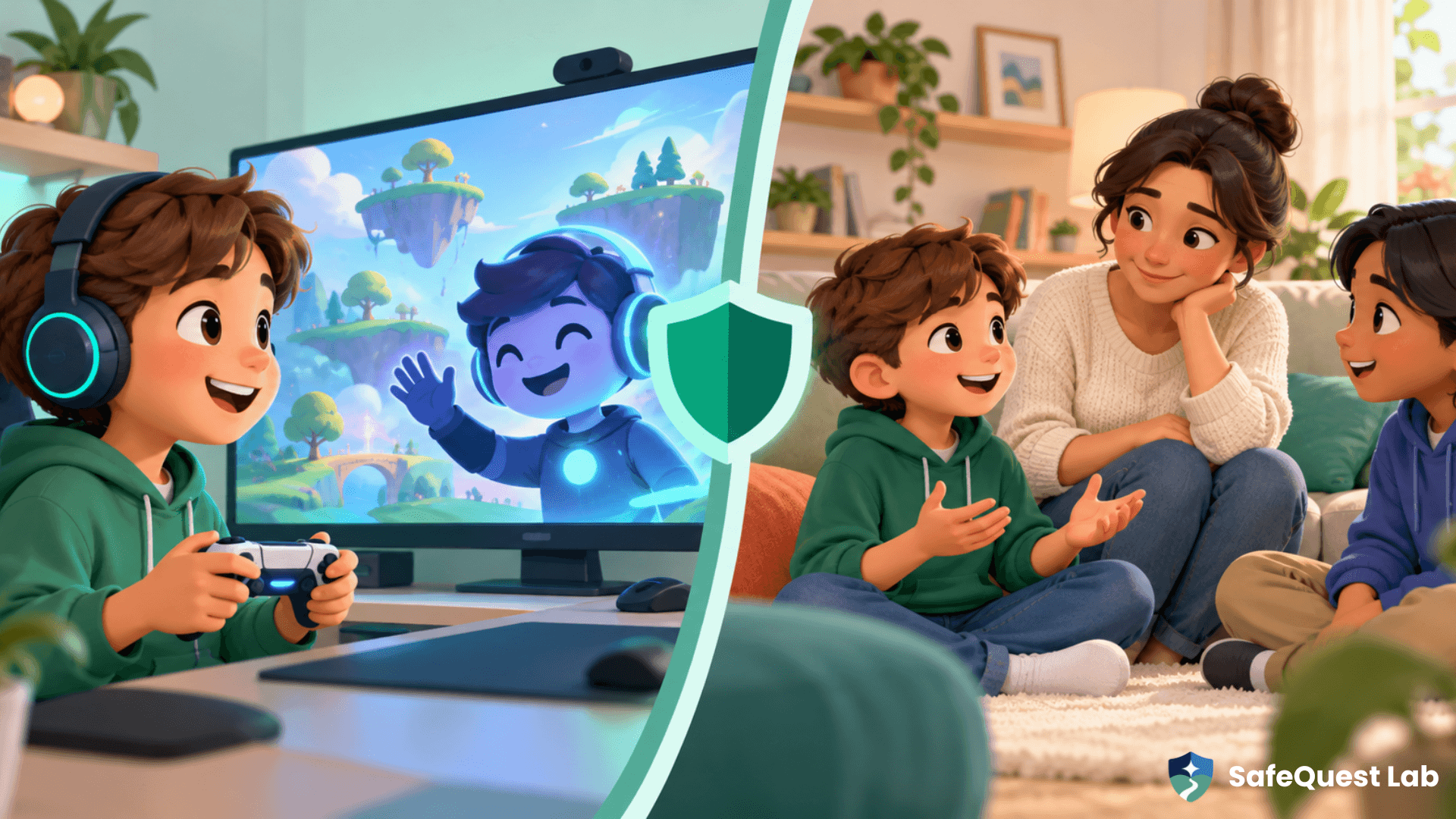
Teach children to pause and tell a grown-up if another player asks for private details, asks them to move to another app, says a conversation must stay secret, offers a reward for a favour, requests a photo or voice note, or makes them feel worried, rushed, or left out. No single signal proves someone has bad intentions. Together, they are enough reason to stop and ask for help.
Make the safe move feel normal rather than dramatic:
• “I only chat in the game.”
• “I don’t share that.”
• “I need to ask my grown-up.”
• “No thanks. I’m going back to the game.”
• “I’m leaving this chat now.”
Short scripts are powerful because a child can use them under pressure. Practise them aloud in a playful way so they feel available when needed.
Keep the conversation open
A child is more likely to tell you about an uncomfortable interaction when they do not expect to lose all gaming access immediately. Instead of opening with “Who were you talking to?”, try: “Who did you play with today?” “What was the nicest part of the game?” “Did anyone ask for something that did not feel like game talk?”
These questions make safety a regular part of the conversation rather than a response only when something goes wrong. They also give you a better picture of what the game’s chat, trading, and friend-request features are actually like for your child.
A calm response when something feels off
If a child receives a strange message, thank them for showing you. Save enough information to understand what happened if the platform has reporting tools, then block or report where appropriate. Avoid continuing the conversation with the player to investigate. The priority is helping the child feel safe and showing that speaking up was the right choice.
It can help to say, “You did the right thing by pausing.” That phrase builds the habit you want next time.
Set family rules that match your child
Rules work best when they are specific and age-appropriate. A younger player may need friend requests reviewed together. An older child may be ready to manage more settings with a clear agreement about what never gets shared. Every child benefits from knowing that passwords, one-time login codes, and personal photos are never game-chat material.
You might agree on a few household defaults:
We keep personal information out of game chats.
We do not move a gaming conversation to another app without a grown-up.
We pause if someone promises a gift, asks for a secret, or creates pressure.
We tell a trusted adult when we are unsure.
We can ask for help without getting in trouble for telling the truth.
These are not meant to turn play into a lecture. They are a small safety net that makes independent choices easier.
Build confidence, not fear
The goal is not to teach children that everyone online is dangerous. It is to help them understand that online familiarity and real-life trust are different things. With a simple boundary, a few ready-to-use phrases, and a calm grown-up they can turn to, children can enjoy games while protecting the parts of life that should stay private.
Family takeaway
A playmate can be part of a fun game. A real-life friendship involves more context, time, and trusted adult awareness. When children know the difference, they can keep gaming social, kind, and safer.
Next step: Use the Account Fortress mission in the Gaming Safety Quest to practise the boundary together.